Power Point Safety Tips for Toowoomba Families
Your Power Points Deserve More Attention Than They Get
Power points are probably the most-used electrical fittings in your home, and most people never think twice about them. Plug something in, switch it on, done. But after 10 years of working on Queensland homes, I've lost count of the safety issues I've found hiding behind cracked faceplates, inside overloaded power boards, and in older outlets that were never designed for the electrical loads modern families demand.
For families with young children, the risks go up another level. Kids are naturally curious, and a power point at floor level is exactly the kind of thing a toddler will investigate with whatever's in their hand. The good news is that most power point safety issues are straightforward to fix once you know what to look for.
Childproofing That Actually Works
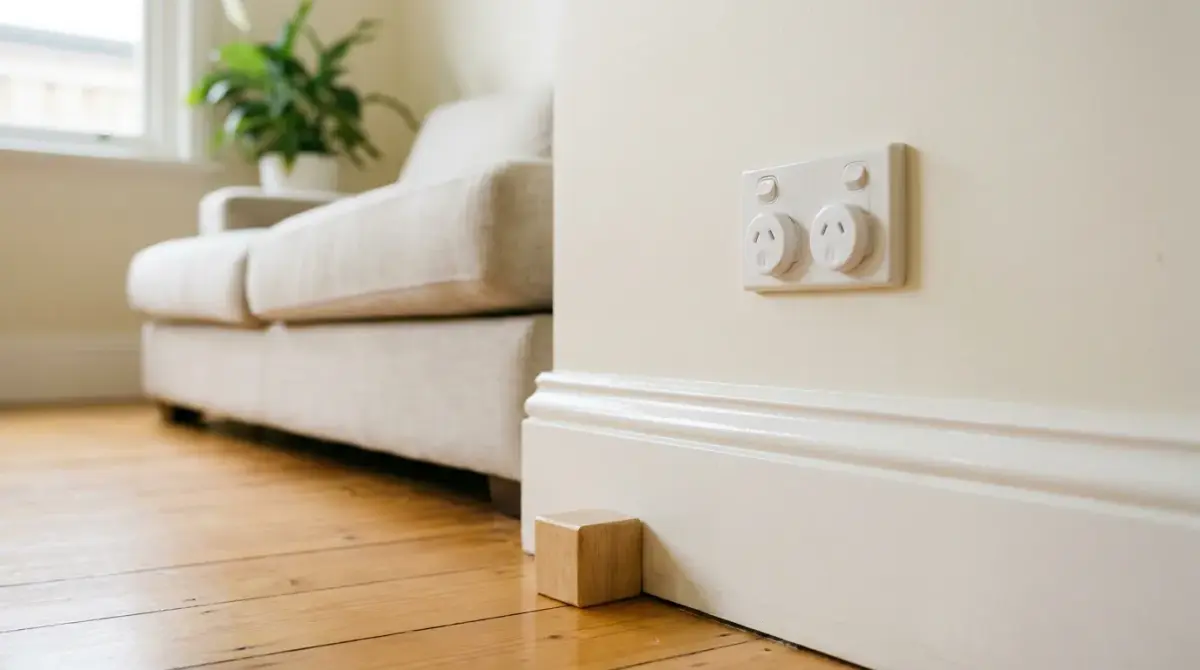
The most effective solution for families with young kids is installing power points with automatic safety shutters. The Queensland Building Code now requires all new power points to have spring-loaded shutters that close off the socket openings when not in use. They require simultaneous pressure on both sides to open, which standard plugs achieve naturally but curious little fingers can't manage. If your home was built before this requirement came in, you can retrofit modern safety outlets. On the jobs I've done that has generally landed between $80 and $150 per outlet installed, depending on how many you do at once and what's behind the wall.
Plastic safety caps from the hardware store are a cheap temporary option, but I'll be honest, they're not great. Determined toddlers work them out pretty quickly, and they're easy to lose. Outlet covers that fit over the entire faceplate are better because they're harder for small hands to remove while still allowing normal plug usage.
Beyond the hardware, think about where your power points are positioned. Where possible, install outlets above child reach, at least 1.3 metres from floor level. Use cable management to keep cords out of reach, and keep heavy furniture in front of accessible low points as an extra barrier.
As kids grow, the approach should change too. Toddlers need physical barriers. Preschoolers are old enough to start learning why electricity is dangerous, not just hearing "don't touch." By school age, kids should know how to plug and unplug things properly, understand why overloaded power boards are risky, and feel confident reporting a damaged cord or socket to you.
Understanding Overload Risks
Most Australian power points are rated at 10 amps, which works out to 2,400 watts. That sounds like plenty until you start adding things up. An electric kettle draws 1,800 to 2,200 watts on its own. A toaster adds another 800 to 1,200 watts. Running both from the same outlet through a power board pushes you to 2,600 to 3,400 watts, well beyond the 2,400-watt limit. That's how fires start.
The rule is simple: one high-draw appliance per outlet. Kettles, heaters, air conditioners, and air fryers should each have their own dedicated outlet. Never daisy-chain power boards by plugging one into another, because each device adds to the total load on the original outlet. If you need more outlets, that's a sign you need more power points installed, not more power boards.
Power boards with built-in overload protection and circuit breakers are safer than basic boards, but they're still a workaround for homes that don't have enough outlets. Modern USB charging boards reduce the need for bulky adapters, which helps clear space on your boards for things that actually need the full outlet.
Water and Electricity: The Areas That Need Extra Care
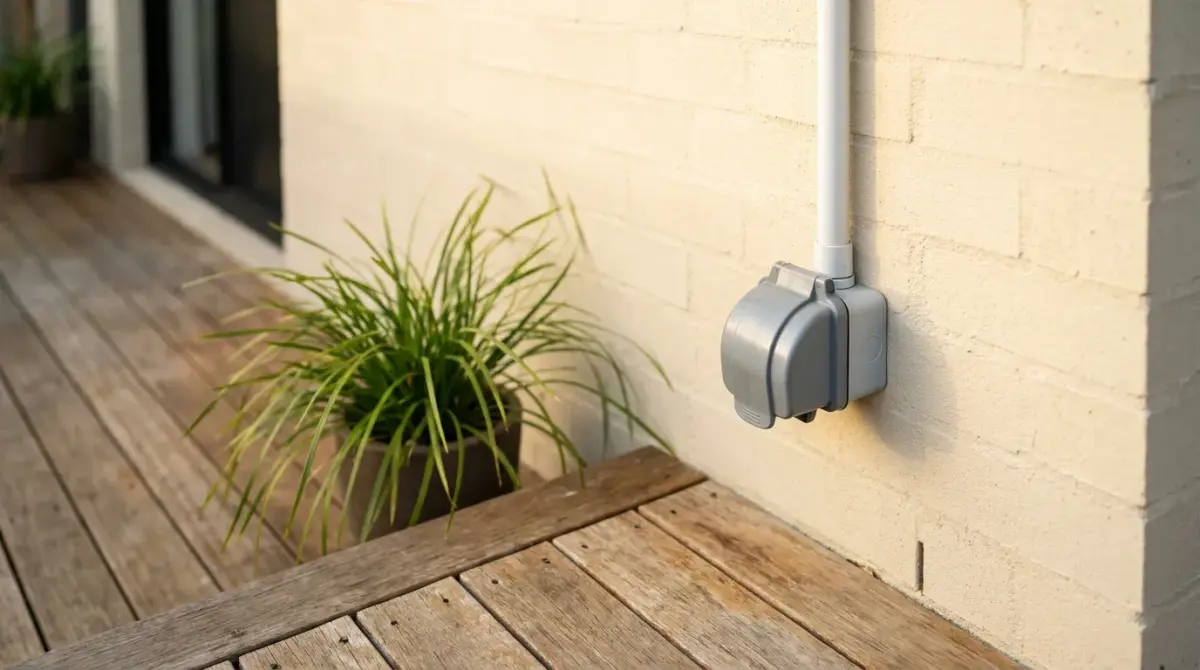
Kitchens, bathrooms, laundries, and outdoor areas all combine electricity with water, and that requires specific precautions. Power points should be at least 300mm from sink edges in kitchens and bathrooms, and bathroom power points can't be installed within 600mm of a bath or shower edge. All circuits in wet areas must have RCD protection under Queensland law, and outdoor power points need a minimum IPX4 rating (IP65 or IP56 for areas with direct water exposure).
The practical habits matter just as much as the wiring. Never touch power points with wet hands. Dry your hands completely before plugging or unplugging anything. Keep appliance cords away from sinks and water sources. And never use portable electrical appliances in bathrooms.
If water ever contacts electrical equipment, don't touch the device and don't step in water near it. Switch off power at the switchboard and call a licensed electrician before using the fitting again.
Want this sorted properly?
Every job's different, so Glenn looks at it before he puts a number on it. The person who quotes is the person who turns up.
How to Spot a Dangerous Power Point
Dangerous outlets usually give visual clues before they cause problems. Cracked or broken faceplates, even hairline cracks, compromise the insulation protecting you from live components. Discolouration or charring around the socket holes indicates overheating and potential arcing. Loose faceplates that pull away from the wall suggest the mounting has failed or the internal connections have shifted.
Operational warning signs are just as telling. If plugs don't fit snugly or fall out, the internal contacts are worn. Sparking when you plug or unplug something indicates poor contact or loose connections. Buzzing or humming sounds from an outlet point to loose internal wiring. And an outlet that feels warm or hot to the touch without recent heavy use is a red flag for loose connections or overloaded circuits.
Older Toowoomba homes, particularly those built before the 1980s, may still have 2-pin sockets that aren't compatible with modern appliances, or old 3-pin outlets with grounding issues and no safety shutters. If your home has any of these, or if you're relying heavily on extension leads and power boards, your power points need upgrading.
Cord Safety Is Part of the Picture
The cord connecting your appliance to the wall is part of the same electrical circuit, and damaged cords are a surprisingly common cause of electrical fires and shocks. Inspect cords regularly for fraying, cuts, crushing, or exposed wires. Never run cords under rugs or carpets where heat buildup goes unnoticed and creates both fire and trip hazards. Avoid sharp bends or kinks that damage internal conductors. And if you have pets, watch for chewing damage.
Extension leads deserve particular attention. Always uncoil them fully before use, because coiled cords generate heat from magnetic fields. Choose the right amp rating for the job: light-duty leads (5 to 7 amps) for lamps and small devices, heavy-duty leads (10 to 15 amps) for heaters, power tools, and outdoor equipment. Never use indoor-rated extension leads outdoors, and never use them as permanent wiring. If you're regularly running an extension lead to the same spot, it's time to have a permanent power point installed.
Upgrading for Modern Family Life
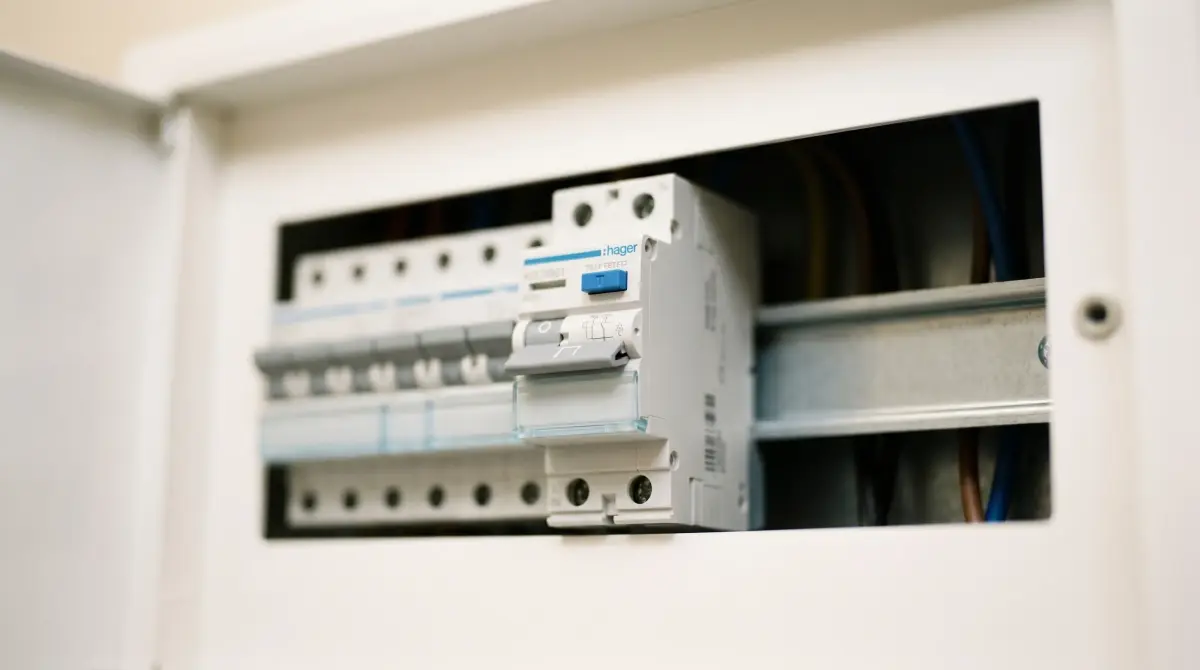
Modern power point options have come a long way. USB-charging outlets with built-in Type-A and Type-C ports reduce the need for bulky adapters cluttering up your power boards. Tamper-resistant outlets with mechanisms requiring equal pressure on both prongs provide the best childproofing available. And RCD-protected circuits throughout the home, not just in wet areas, add another layer of protection for families.
For a growing family, think about where you'll need power in the years ahead. Bedrooms should have 4 to 6 outlets each rather than the traditional 1 or 2, with USB charging capability and positioning above child height where possible. Living areas benefit from outlets behind furniture for entertainment systems, plus hidden outlets for floor lamps and charging stations. Kitchens need multiple outlets above bench level on dedicated circuits, with USB options for device charging. And outdoor areas should have weatherproof IP44 or IP65 rated outlets with safety shutters.
What to Do in an Emergency
If a power point is sparking, don't touch it. Turn off the relevant circuit breaker at the switchboard, carefully unplug the device if it's safe to do so, and don't use that outlet until a licensed electrician has inspected it.
If someone receives an electric shock, don't touch them directly. Turn off power at the switchboard immediately. If you can't reach the switchboard, use a non-conductive object like a dry wooden broom handle to separate them from the source. Call 000 for emergency medical assistance. Even if the person seems fine, get medical attention, because electrical injuries aren't always immediately visible.
A burning smell near any power point means turning off power at the switchboard straight away, ventilating the area, and calling a licensed electrician before restoring power.
Power point safety comes down to knowing what to look for, not overloading what you've got, and upgrading older outlets before they become a hazard. If you've got young kids, cracked outlets, or too many power boards doing the heavy lifting, give me a call. I'll assess what you've got and let you know what's worth upgrading.
Call Glenn on 0489 082 307 or get a free quote for power point upgrades and safety assessments.